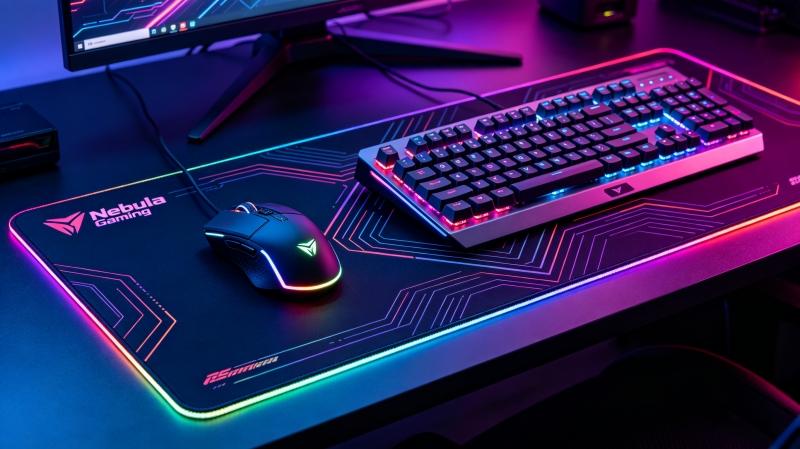
Mousepads may look simple, but many users experience problems after long-term use. Most people notice a difference in mousepad feel and gaming performance as their mousepad wears out, with smooth spots, stiffness, stickiness, vibration, or even input issues becoming common. Most of these problems are caused by material wear, not by the mouse or keyboard.
These mousepad issues can affect overall computer use, not just gaming, and may even impact keyboards in some cases. This guide explains the main causes, what you can fix, and when replacement is the better choice.
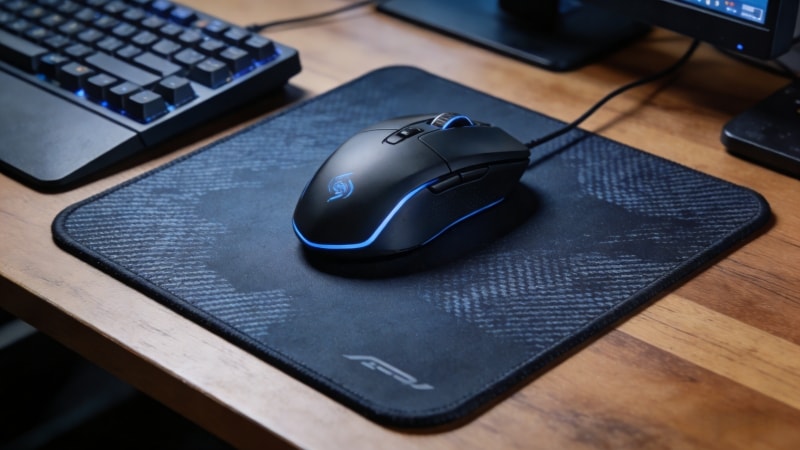
I. Why Is My Mousepad Starting to Have Smooth Spots?
Smooth spots appear when the surface fabric wears down.
Main causes:
- Long-term friction from the mouse
- Sweat and skin oil breaking down the fabric
- Low-quality surface coating wearing off
Different surfaces like cloth pad, hard pad, glass pad, plastic pads, and hybrid pads all affect friction, glide, and durability in their own ways. For example, cloth mousepads usually offer a smooth glide and less friction at first, but the middle of the pad often wears out faster, leading to more friction and worse performance over time. Hard pads and plastic pads can provide more speed and low friction initially, but their surfaces can become rough and lose durability, making the mouse stick or feel inconsistent. Glass pad and hybrid pads are known for their long-lasting durability and consistent glide, while hybrid pads balance speed and enough control for gaming. The middle area of any pad is most likely to show wear first due to repeated movement from your fingers or arm.
Low friction is important for smooth glide and speed, but too much friction or more friction from worn spots can cause your mouse to stick and reduce enough control or more control during gaming. Mouse feet, especially teflon feet, stock feet, or mouse skates, play a big role in glide and can wear down, making the mouse feel worse or causing it to stick on the pad. Personally, I notice a big difference between new mouse feet and worn feet—plus, sweaty hands or high humidity can make cloth mousepads or the middle of the pad feel sticky and slow.
For example, the razer goliathus speed, qck heavy, and artisan fx pads all have different durability and glide characteristics. Dead skin cells and dust can build up on any surface, affecting performance and making even a bit of wear or dirt noticeable, especially for high-sensitivity users who rely on their fingers or arm for precise movements. You can create a better gaming edge by cleaning your pad regularly and replacing worn feet, or by trying different surfaces to find the best combination of speed, control, and durability for your needs.
Does it affect performance? Yes. Smooth spots reduce friction, which can cause unstable tracking or loss of control, especially for gaming or design work.
Can it be fixed? No. Once the surface texture is worn away, cleaning will not restore it. This is permanent wear.
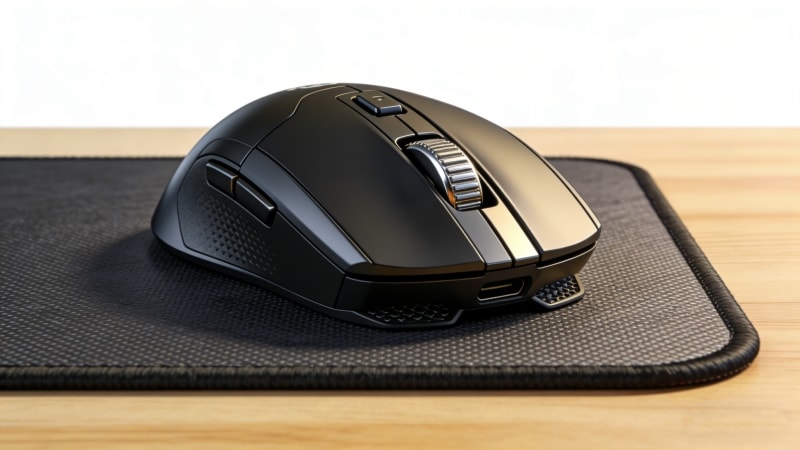
II. Why Is My Mousepad So Stiff?
A stiff mousepad usually means the rubber base is aging.
Common reasons:
- Rubber drying out over time
- Exposure to heat, sunlight, or cold storage
- Low-grade rubber with poor flexibility
Can you soften it?
Temporary softening may happen with warm water, but the effect does not last. Once rubber hardens, it cannot return to its original state.
Key point:
Stiffness is a sign of material failure, not dirt.
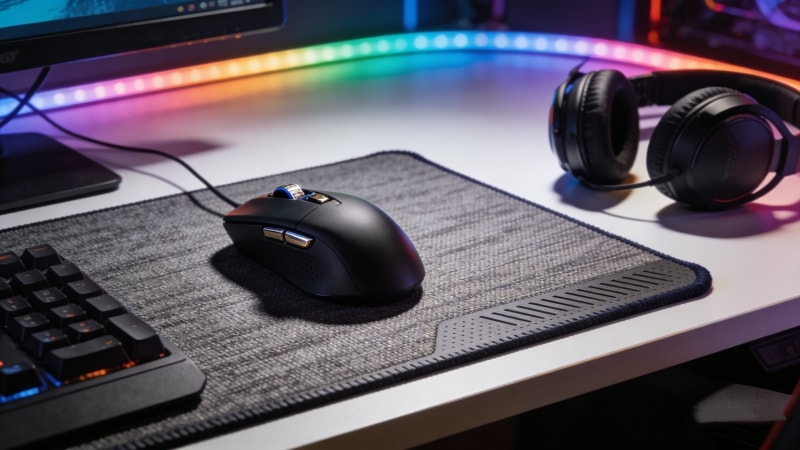
III. Why Does My Mousepad Feel Sticky?
Stickiness can come from two very different causes.
Cause 1: Surface residue
- Sweat, food oil, or drink spills
- Soap or detergent left after improper cleaning
This type can be fixed with proper cleaning.
Cause 2: Material breakdown
- Rubber or coating reacting with heat or chemicals
- Low-quality materials breaking down over time
This type cannot be fixed. The stickiness will return.
Cleaning tip: Use mild soap, lukewarm water, and a soft cloth for washing and drying your mousepad. After washing, let the pad air dry for a few hours to prevent stickiness. Never use alcohol, bleach, or strong cleaners.
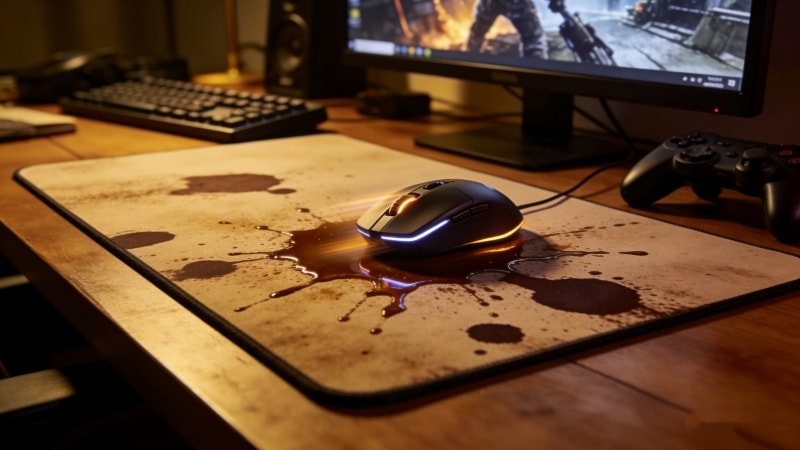
IV. Why Is My Mouse Mat Vibrating or Unstable?
A vibrating mouse mat usually has a base or surface problem.
Possible reasons:
- Warped rubber base
- Uneven desk surface
- Mouse sensor set to very high DPI
How to check quickly:
- Place the mousepad on a flat table
- Press down on all corners
- Test with another mouse
If the vibration remains, the base is likely damaged.
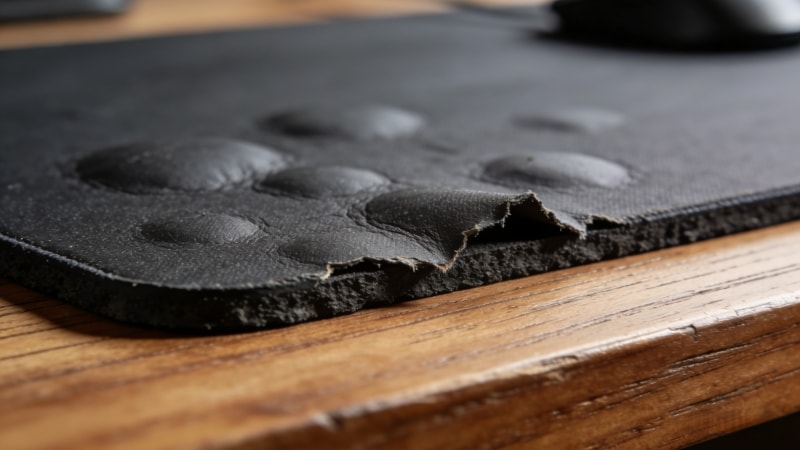
V. Keyboard and Mouse Pad Not Working — Is the Mousepad the Problem?
In most cases, the mousepad is not the cause.
However, there are exceptions.
When a mousepad may affect devices:
- RGB mousepads drawing power from USB
- Poor shielding causing electrical interference
- Moisture trapped inside the pad
Quick checklist:
- Test mouse and keyboard without the pad
- Disconnect RGB power cable
- Check for water damage
If the mouse or keyboard is still not working, check your touchpad and consider updating or reinstalling the touchpad driver and other drivers, especially on Windows computers.
If devices work normally without the pad, replacement is recommended.
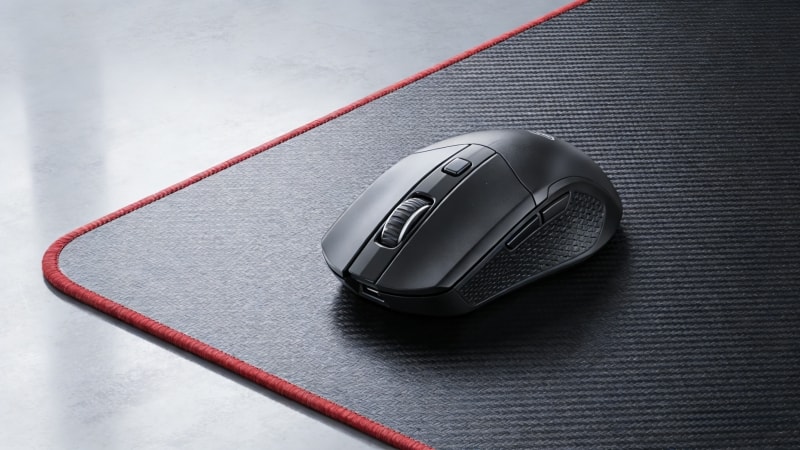
VI. Fix or Replace? How to Decide
Usually fixable:
- Dirt and surface residue
- Minor slipping due to dust
- Sensor issues caused by settings
Not fixable:
- Smooth worn-out spots
- Hardened rubber base
- Chemical stickiness
- Warped structure
Typical lifespan:
A quality mousepad lasts 1.5–3 years with normal use. Cheaper materials fail much sooner.
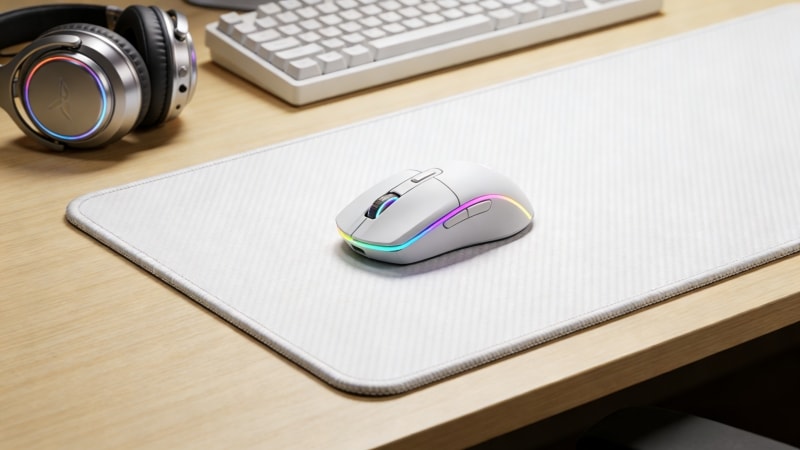
VII. Conclusion
Most mousepad problems—smooth spots, stiffness, stickiness, or instability—are caused by material wear and environmental exposure, not by user mistakes. Cleaning and adjustments can help in some cases, but material degradation cannot be reversed.
If these problems keep happening, it usually means the mousepad material no longer meets performance needs.
At FDTRubber, we focus on durable rubber bases and stable surface materials designed for long-term use.
Feel free to contact us to learn more about our mousepad materials or OEM solutions.