A worn out mousepad can reduce mouse accuracy, cause tracking problems, and make daily work or gaming uncomfortable. Many users do not notice the problem until performance gets worse. This guide explains how to identify a worn out mousepad and what to do next.
I. What Is a Worn Out Mousepad?
A worn out mousepad is a mousepad that has lost its original surface quality and stability. Over time, constant mouse movement, hand pressure, and dust slowly damage the surface. Worn mousepads can also absorb sweat and bacteria, which may cause odors and hygiene concerns.
When the surface becomes uneven or too smooth, the mouse sensor cannot track movements correctly. This affects both comfort and performance.
II. Common Signs Your Mousepad Is Worn Out
Here are the most common signs to look for when determining if your hard mouse mat needs replacement:
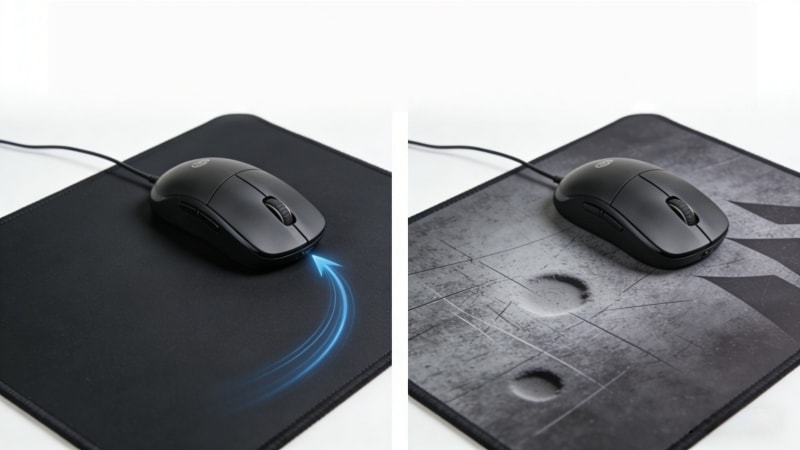
- Shiny or smooth areas where the mouse moves most
- Inconsistent mouse tracking, such as skipping or lag
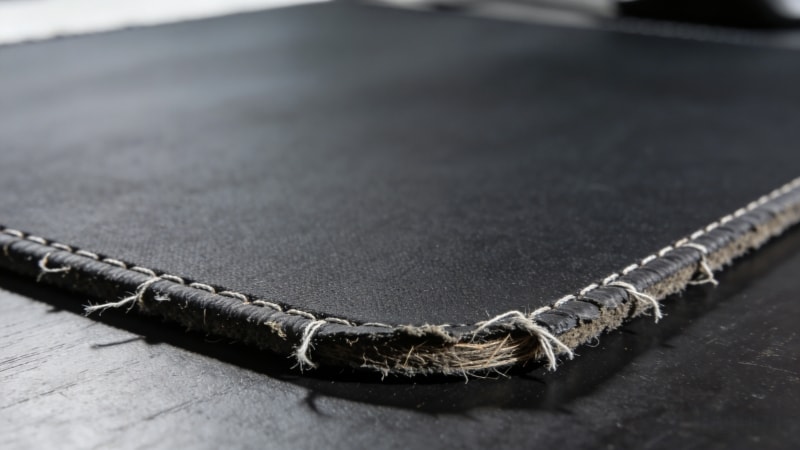
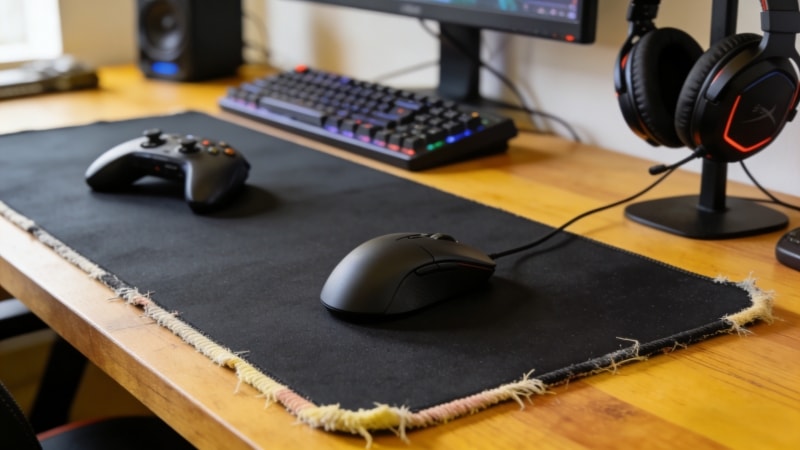
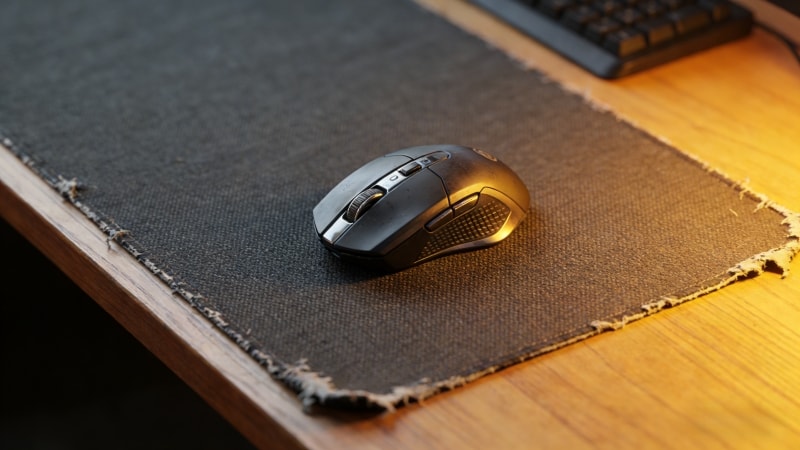
- Frayed edges or loose stitching
- Curled corners that do not lie flat
- Slipping on the desk during use
If you find any of these signs, it’s a good indication that your mousepad may be worn out and should be replaced.
III. Why a Worn Out Mousepad Affects Performance
Modern mouse sensors need a stable and consistent surface. When a mousepad is worn out, the sensor receives unclear signals.
A worn mousepad also reduces precision and makes it harder for the mouse to glide smoothly, which impacts both speed and accuracy.
This can cause:
- Poor cursor control
- Slower response time
- More hand and wrist fatigue
Over time, these problems can reduce productivity and comfort, especially for people who use a mouse for many hours each day.
IV. How to Check If Your Mousepad Needs Replacement
Follow these simple steps to check your mousepad:
When evaluating your mousepad, also consider if it remains compatible with your mouse or sensor technology to ensure optimal performance.
Step 1: Test Different Areas
Move your mouse across different parts of the mousepad, making sure you have enough space for accurate testing. If movement feels smooth in some areas but rough or slow in others, the surface is uneven.
Step 2: Check the Surface and Shape
Look closely at the surface. Feel it with your hand. Check for smooth spots, damage, or curled edges. A damaged surface makes mouse movement feel inconsistent or uncomfortable, which can affect your accuracy and overall experience.
Step 3: Compare With Another Surface
Place your mouse on another mousepad or a clean desk. If tracking improves right away, your mousepad is likely worn out. An optimized surface will provide noticeably better tracking and responsiveness than a worn mousepad.
V. Can You Fix a Worn Out Mousepad?
In some cases, light wear can be improved by cleaning.
- Wash cloth mousepads with mild soap and water
- Let them dry completely before use
However, deep wear cannot be repaired. If the surface is damaged or the base has lost grip, cleaning will not solve the problem. Deep wear can lead to the need for a new mousepad to restore optimal performance. In this case, replacement is the best option.
VI. When to Replace a Worn Out Mousepad
Most cloth mousepads last 6 to 18 months, depending on use and quality. Heavy daily use shortens lifespan.
You should replace your mousepad if:
- Tracking problems continue after cleaning
- The surface feels uneven
- The base no longer stays in place
Mousepads made with dense rubber bases and durable surfaces usually last longer and perform more consistently.
VII. How to Prevent Your Mousepad From Wearing Out Too Fast
You can extend the life of your mousepad by following these tips:
- Clean it regularly to remove dust and oil
- Keep food and drinks away from your desk
- Use a flat, stable desk surface
- Choose mousepads made from quality materials
Maintaining a clean and organized workspace not only improves comfort and productivity but also helps prevent unnecessary wear on your hard mouse mat, extending its lifespan.
Good habits and better materials help maintain performance over time.
VIII. Choosing a More Durable Mousepad
Not all mousepads are the same. Material quality plays a big role in durability.
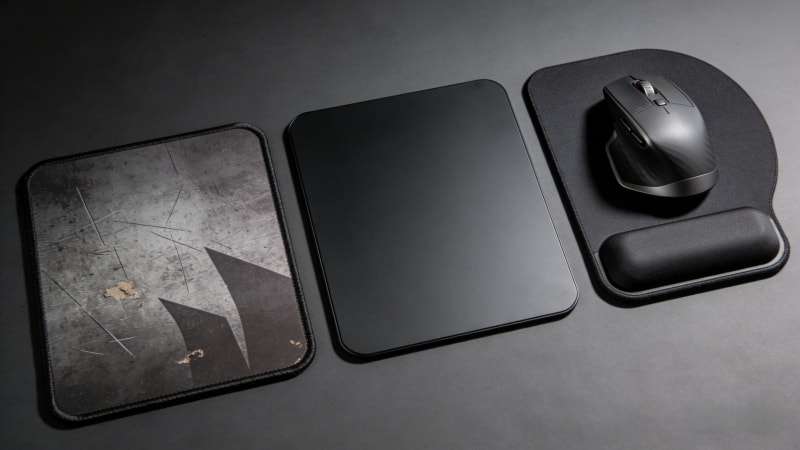
- Soft mousepads offer comfort but may wear faster
- Hard mouse mats last longer and are easier to clean
- A stable rubber base helps prevent slipping
Factory-made mousepads with quality control provide more consistent performance and longer lifespan.
At fdtrubber.com, we manufacture mousepads using carefully selected rubber materials designed for durability, stability, and long-term use. Our products are suitable for office work, gaming, and custom OEM projects.
IX. FAQ
How long does a mousepad usually last?
Most mousepads last 6–18 months. High-quality materials can extend this time.
Does a worn out mousepad damage a mouse?
It usually does not damage the mouse, but it can reduce accuracy and comfort.
Are rubber-based mousepads more durable?
Yes. A dense rubber base improves stability and helps the mousepad last longer.
X. Ready to Upgrade Your Mousepad?
If your mousepad is worn out and affecting your performance, upgrading to a high-quality replacement can make a clear difference.
At www.fdtrubber.com, we specialize in manufacturing durable rubber mousepads with stable bases and consistent surfaces for business and custom needs.
👉 Contact us today to learn more about our mousepad solutions or to request samples.