
Mouse pads collect dust, sweat, oil, and stains over time. A dirty mouse pad can affect mouse movement and even smell bad. The good news is that most mouse pads can be cleaned safely if you use the right method. This guide will show you how to wash a mouse pad step by step, without damaging it.
I. Can You Wash a Mouse Pad?
Yes, most cloth mouse pads can be washed. However, the cleaning method depends on the type of mouse pad you have.
You should always check:
- The surface material
- The base material
- Whether the mouse pad has electronics (such as RGB lighting)
Cloth mouse pads with a rubber base are usually safe to clean. Cloth pads are generally the easiest to clean and maintain. Hard mouse pads, leather mouse pads, or RGB mouse pads need special care.
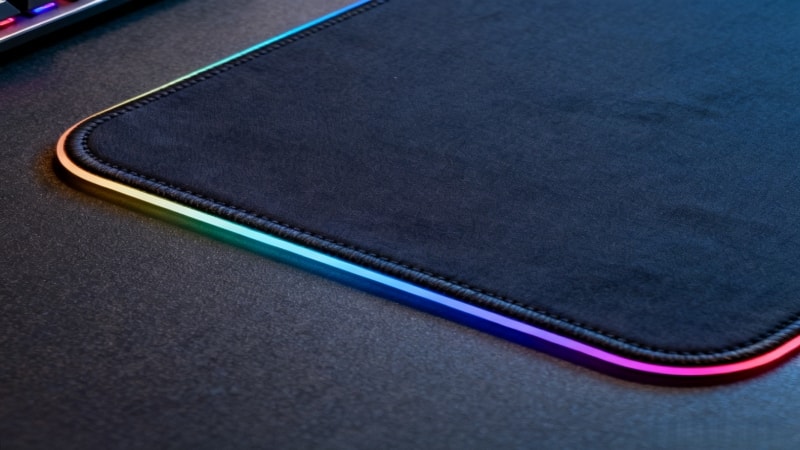
II. Can You Put a Mouse Pad in the Washing Machine?
You can put some mouse pads in the washing machine, but not all of them. Some people simply throw their mouse pad in the machine for convenience.
1. When a Washing Machine Is Safe
- Cloth surface mouse pads
- Natural rubber or foam base
- No electronics
- No leather or PU coating
2. When You Should NOT Use a Washing Machine
- RGB mouse pads
- Hard plastic, metal, or glass mouse pads
- Leather or PU mouse pads
- Never clean a mouse pad in the dishwasher.
If you are not sure, hand washing is always the safest choice.
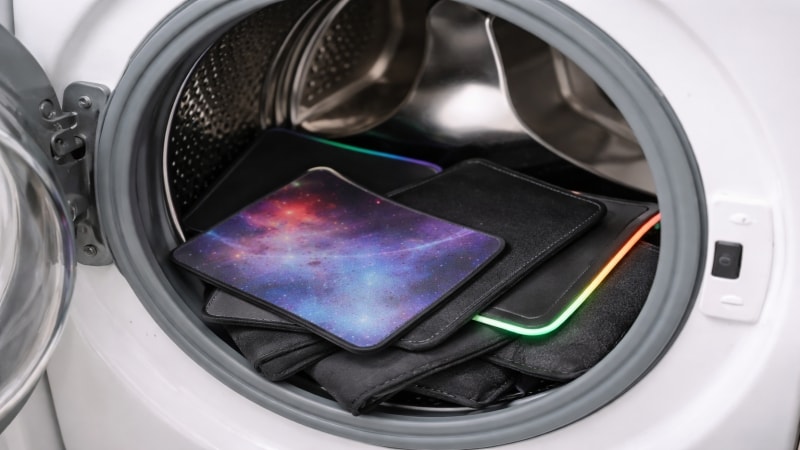
III. How to Wash a Mouse Pad in the Washing Machine
The following steps outline the best way to machine wash your mouse pad safely.
Follow these steps carefully to avoid damage:
- Shake off loose dust and dirt
- Place the mouse pad in a laundry bag or pillowcase
- Use cold water only
- Select a gentle or delicate cycle
- Use a small amount of mild detergent
- Do not use bleach or fabric softener
- Remove the mouse pad after washing
Note: Machine washing is not suitable for all mouse pads, so always check the care instructions first.
⚠️ Never put a mouse pad in the dryer.
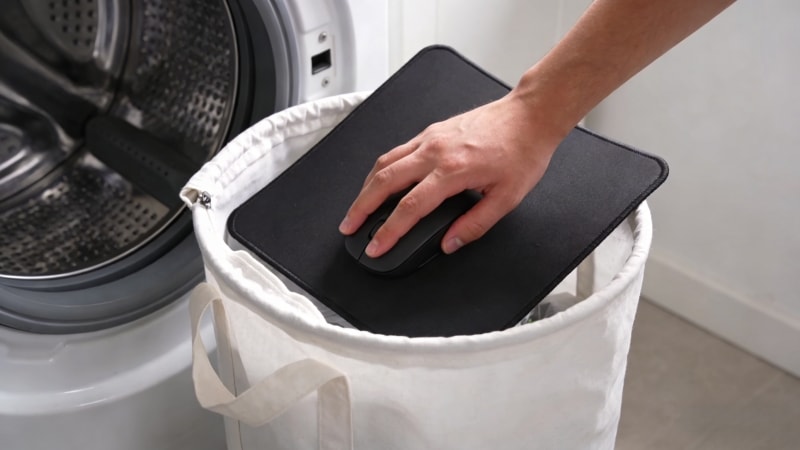
IV. How to Hand Wash a Mouse Pad (Safest Method)
Hand washing works for almost all cloth mouse pads.
4.1 What you need
- A clean sink or basin
- warm water (not hot)
- Mild soap or liquid dish soap
- A soft sponge or cloth
- A towel
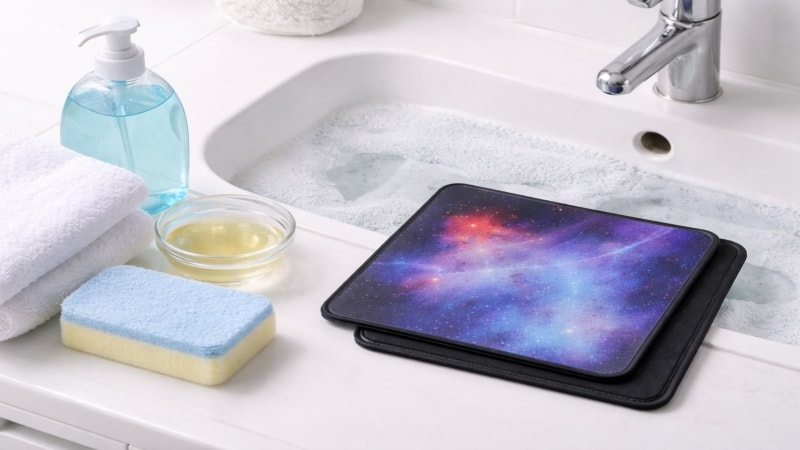
4.2 Steps
- Fill your sink or basin with warm water (not hot).
- Add a bit of liquid dish soap to create warm soapy water.
- Submerge the mouse pad in the warm soapy water.
- Use a soft sponge or cloth to gently scrub the surface. For stubborn spots, you may need to gently rub the area to help remove dirt or stains.
- Rinse the mouse pad thoroughly with clean warm water to remove all soap.
- Press out excess water, but do not squeeze the mouse pad, as squeezing can damage the material or cause it to absorb too much water.
- Lay the mouse pad flat on a towel and allow it to air dry completely before use.
4.3 What You Need
- Mild soap or dish soap
- Soft sponge or cloth
- Cold or lukewarm water
4.4 Steps
- Fill a sink or basin with water
- Add a small amount of soap
- Place the mouse pad in the water and soak for 5–10 minutes
- Gently scrub the surface in circles
- Rinse well to remove all soap
- Press out water gently (do not twist or wring)
V. How to Clean Different Types of Mouse Pads
1. Cloth Mouse Pads
- Cloth mouse pad is the best choice for washing
- Can be hand washed or machine washed
- Use gentle cleaning only
2. Rubber Mouse Pads
- Clean the surface gently. The rubber bottom helps keep the mouse pad stable during cleaning, making it easier to clean the surface without slipping.
- Avoid hot water to prevent warping
3. Hard Mouse Pads (Plastic, Metal, Glass)
- Do not soak
- Clean with a damp cloth and mild cleaner
4. RGB Mouse Pads
- Never machine wash
- Clean only the surface
- Keep water away from the control box and cable

VI. How to Dry a Mouse Pad Properly
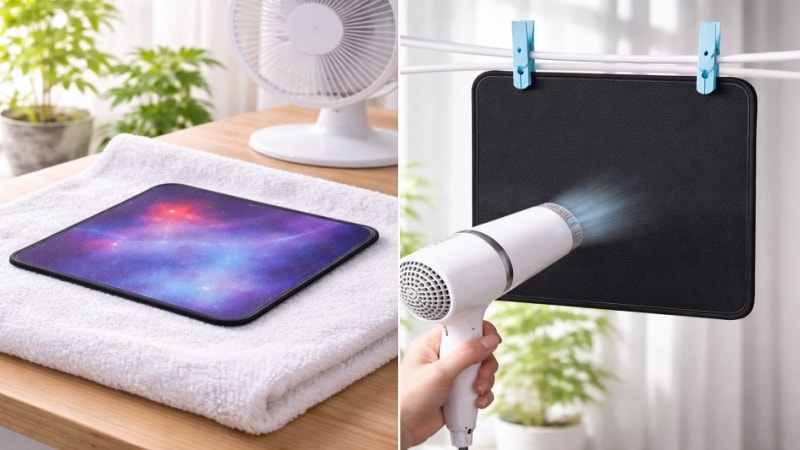
- Lay the mouse pad flat on a towel or other flat surface. If you don’t have a flat surface available, you can also hang the mouse pad to dry.
- Air dry at room temperature.
- Keep away from direct sunlight.
- Do not use a dryer or heater, as exposure to heat can damage the mouse pad.
- You can use a hair dryer on a low setting to speed up drying, but avoid high heat.
Most mouse pads need 12–24 hours to dry fully.
VII. How Often Should You Clean a Mouse Pad?
Most people clean their mouse pad every few months, but your needs may vary based on use.
- Light use: every 2–3 months
- Heavy use or gaming: once a month
- Clean immediately if it smells or looks dirty
Regular cleaning helps keep your mouse pad smooth and comfortable.
VIII. Common Mistakes to Avoid
- Using hot water
- Using bleach or strong cleaners
- Putting the mouse pad in a dryer
- Scrubbing too hard
- Twisting or folding when wet
- Neglecting to clean the edge of the mouse pad can lead to fraying or buildup of dirt.
- Letting grease or food stains sit on the mouse pad can make them harder to remove.
These mistakes can damage the surface or rubber base.
IX. When Should You Replace a Mouse Pad?
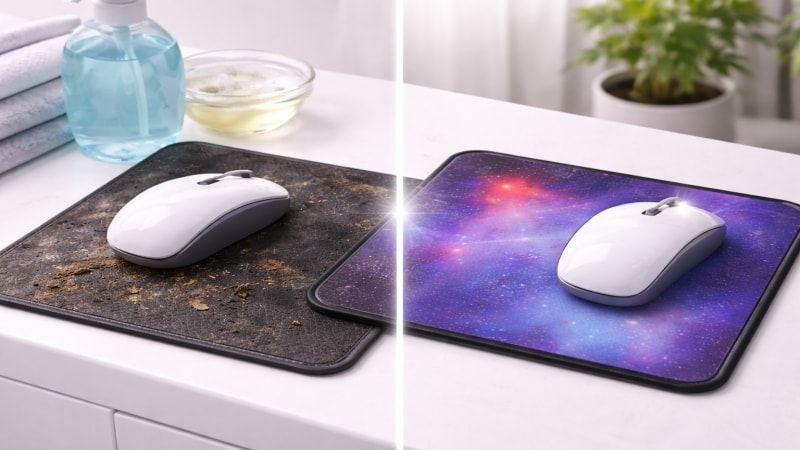
Cleaning may not help if the mouse pad:
- Is warped and does not lie flat
- Has cracks in the rubber base
- Smells bad even after washing
- Has worn or damaged fabric
In these cases, replacement may be the better option.
X. Still Have Questions About Your Mouse Pad?
If you’re unsure which cleaning method is best for your mouse pad material, feel free to leave a comment with your specific questions. Different surfaces and base materials require different care methods, and using the wrong one may affect performance or durability.
For visual learners, there are helpful YouTube tutorials that demonstrate step-by-step cleaning techniques for mouse pads and other computer accessories. We also recommend using a microfibre cloth to gently wipe down your mouse pad, keyboard, and other devices to remove dust and grime without causing damage. For Corsair mouse pads, Corsair recommends using warm water and gentle hand washing for optimal care.
FDTRUBBER team is happy to share professional advice and help you care for your mouse pads properly. Whether you have questions about daily cleaning, deep cleaning, or long-term maintenance, we’re always glad to offer practical guidance.