Choosing the right mouse pad size can improve comfort, control, and desk organization. This guide explains the standard mouse pad size, compares all common mouse pad sizes, and helps you choose the best option for work, gaming, or design—using simple language and clear examples.
I. What Is the Standard Mouse Pad Size?
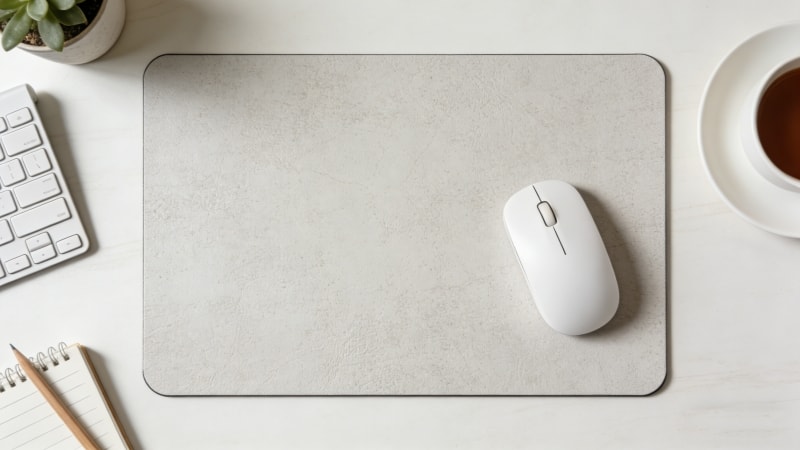
The standard mouse pad size is usually 9 × 7 inches (230 × 180 mm) or 10 × 8 inches (250 × 200 mm), and is typically rectangular in shape. These are considered ‘medium’ sizes, with dimensions that suit most users.
This size became popular because it fits most desks, works with common mouse settings, and is easy to carry.
- Best for: office work, everyday home use
- Why it’s standard: balanced size, affordable, widely available, and often offered at a good price
Many rubber mouse pads are produced in this rectangular medium size because it meets general needs without taking much space.
II. Common Mouse Pad Sizes Explained
1. Small Mouse Pad Size
- Typical size: 8 × 6 inches (200 × 150 mm)
- Pros: compact, portable, often thin and lightweight
- Cons: limited mouse movement
The texture of small mouse pads can vary, with some offering a smooth or fabric-like surface that affects comfort and control.
- Best for: laptops, tight desks, suitable for users who need portability
2. Standard Mouse Pad Size
- Typical size: 9 × 7 to 10 × 8 inches
- Pros: good balance of space and comfort; often feature a balanced surface type for both speed and control
- Cons: not ideal for very low DPI gaming
- Best for: office, school, daily use; popular among users who want a reliable, fabric surface for daily tasks
3. Large Mouse Pad Size
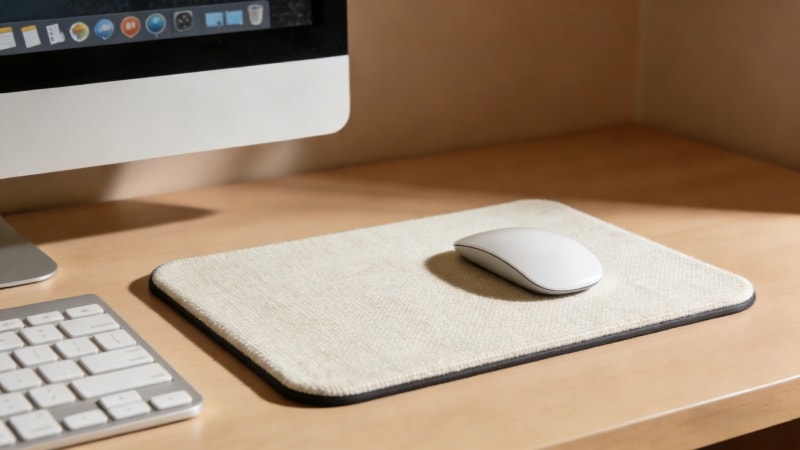
- Typical size: 14 × 12 inches (350 × 300 mm) or larger
- Pros: more control, smoother tracking, larger mousepads provide more room and freedom for extensive mouse movements
- Cons: needs more desk space
A large mouse pad helps keep your wrist and mouse in a comfortable position during use, supporting natural mouse movements and stability.
- Best for: gaming, low DPI users, wide desks
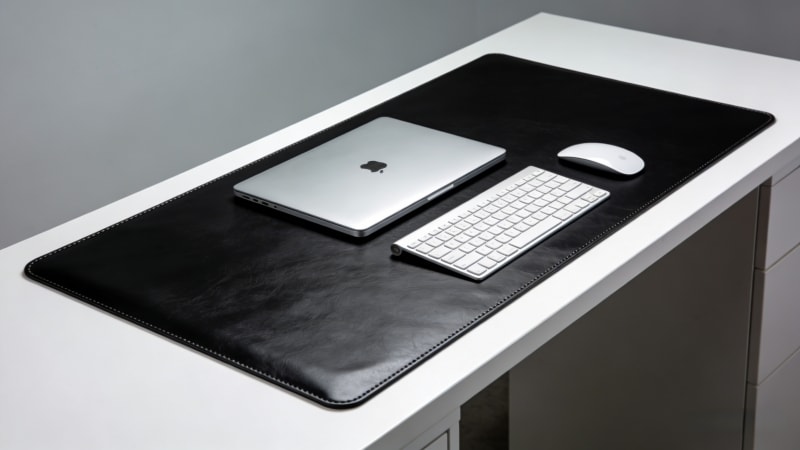
4. Extended / Desk Mat Size
- Typical size: 24–36 inches wide
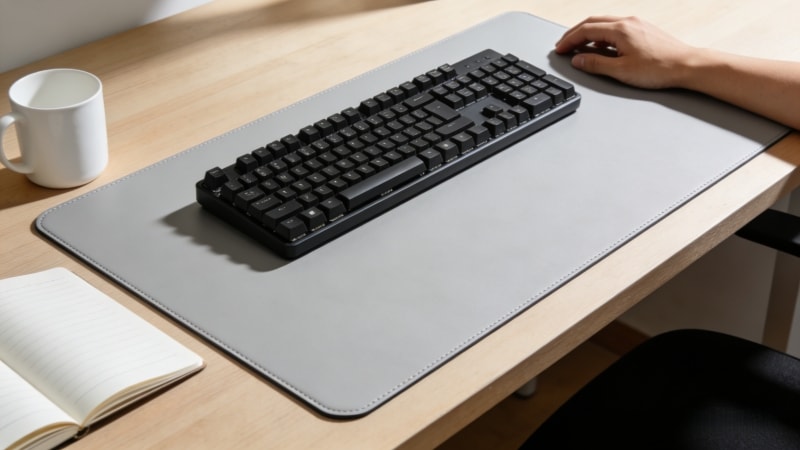
- Pros: holds mouse and keyboard, clean desk look; extended mats can cover the entire table or desktop, providing a stable surface for all your devices
- Cons: larger cost and space
- Best for: full desk setups, modern workstations; extra large mats are especially popular for PC setups and are often referred to as desk mats
III. Mouse Pad Size Chart (Inches & CM)
| Size Type | Inches | Centimeters (Dimensions) | Best Use |
|---|---|---|---|
| Small | 8 × 6 | 200 × 150 | Laptop, travel |
| Standard | 9 × 7 / 10 × 8 | 230 × 180 / 250 × 200 | Office, daily use |
| Large | 14 × 12 | 350 × 300 | Gaming, low DPI |
| Extended | 24–36 × 12–16 | 600–900 × 300–400 | Desk mat setups |
| XXL Mouse Pad | 17.7 × 37.4 | 450 × 950 | Extensive movement, wrist support |
Note: Knowing the exact dimensions is important for selecting the right mouse pad for your workspace and usage needs.
Thickness can vary by size type, typically ranging from 1.8mm to 3mm, which affects comfort, stability, and overall user experience.
IV. How to Choose the Right Mouse Pad Size
1. Desk Size & Available Space
Measure your desk first. Choosing a larger pad gives you more space for comfortable mouse movement. Leave space for your keyboard and hands. A pad that’s too big can feel crowded.
2. Mouse Sensitivity (DPI)
- High DPI: small or standard pads are fine.
- Low DPI: large or extended pads give better control, improve tracking accuracy, and enhance the gaming experience.
3. Usage Scenarios
- Office: standard size is enough, but custom mouse pads with business branding and high-quality print are popular for professional settings.
- Gaming: large or extended improves accuracy.
- Design / Editing: larger pads help with smooth, long movements.
Different uses may also need different thicknesses and rubber bases for comfort and grip.

V. Standard Mouse Pad Size vs Large Mouse Pad Size
1. Standard Size
- Saves space
- Easy to move
- Good for daily tasks
2. Large Size
- More control
- Better for gaming
- Reduces wrist lift
Choose standard for simple work. Choose large if precision matters.
VI. FAQs About Mouse Pad Sizes
1. What is the most common mouse pad size?
The most common size is about 9 × 7 inches.
2. Is a large mouse pad better?
It’s better for gaming and low DPI use, but not always needed for office work.
3. Does mouse pad size affect accuracy?
Yes. Larger pads allow smoother and longer movements.
4. Are mouse pad and mouse mat sizes the same?
They’re similar terms. “Mouse mat” often refers to larger or extended pads.
VII. Conclusion: Which Mouse Pad Size Is Best for You?
There is no single “best” mouse pad size. The right choice depends on your desk space, mouse settings, and how you work or play.
If you are comparing standard or large mouse pad sizes for bulk orders or custom projects, you can explore different size options and materials from FDT Rubber at www.fdtrubber.com.
You’re welcome to contact us for size recommendations based on your application.