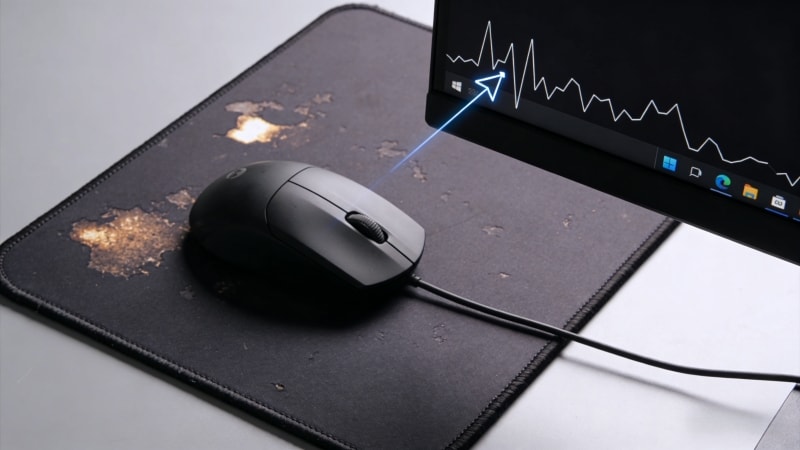
A dirty mousepad can feel smooth, sticky, or slippery. You may also notice dead skin, oil marks, or shiny areas where your mouse moves most. These problems can affect mouse tracking and make your desk feel unhygienic.
Luckily, this helpful article will guide you through solving mousepad issues with simple and effective solutions. In this guide, you will learn why mousepads get dirty, the best way to clean a mousepad, and when cleaning is no longer enough.
1. Why Is My Mousepad Starting to Have Smooth Spots?
Smooth spots usually appear in the center of the mousepad surface. This happens for three main reasons:
- Friction: The mouse moves over the same area of the mat again and again.
- Oil and sweat: Natural oil from your hand fills the tiny gaps in the fabric.
- Pressure: Your wrist and palm slowly flatten the cloth surface.
Over time, the mousepad surface loses texture. This makes the mousepad feel slippery and reduces tracking accuracy, especially on gaming mousepads.
2. What Is the Dead Skin on a Mouse Pad?
Dead skin on a mouse pad is normal. Your skin sheds every day. When you use a mousepad:
- Dead skin cells fall onto the surface
- Oil from your hand makes them stick
- Dust in the air and debris mix with the oil
- Loose dirt can also accumulate on the surface
This creates a gray or white residue. It can feel sticky, look dirty, and sometimes cause a bad smell.
Mousepads with wrist rests or raised designs, such as boobs mousepads, collect dead skin faster because they have more skin contact.
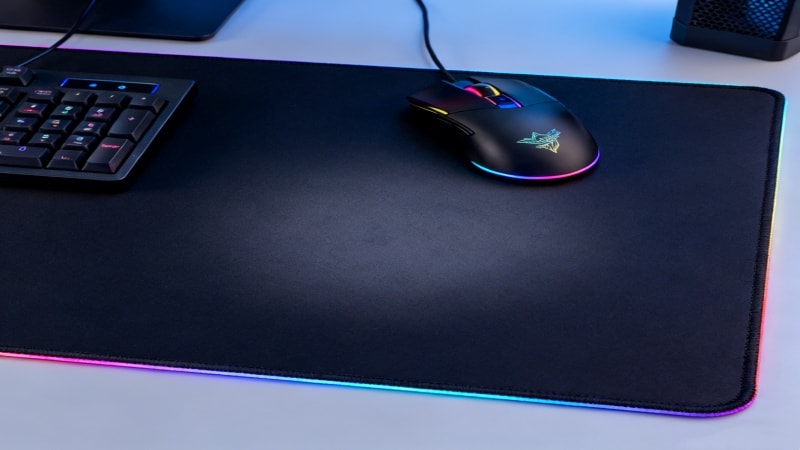
3. Best Way to Clean a Mousepad (Step-by-Step Guide)
① What You Need
- Mild soap, dish soap, or dish detergent
- Soft sponge, microfiber cloth, or soft brush
- Toothbrush (for gentle scrubbing)
- Cleaning solution (such as soapy water or rubbing alcohol, if suitable for your mousepad)
- Warm water (not hot)
- Clean towel
Avoid bleach, alcohol, or strong cleaners. These can damage the fabric and rubber base.
② How to Clean a Cloth Mousepad
- Fill a sink or basin with warm water, or cold water to help prevent color fading.
- Add a small amount of mild soap.
- Place the mousepad in the water and let it soak for 5–10 minutes.
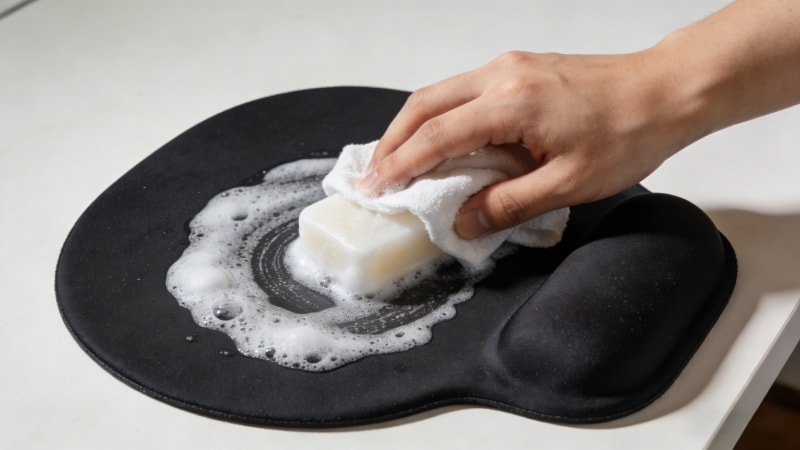
- Dampen a sponge or cloth (do not use one that is dripping with water) and gently rub the surface in circular motions. Avoid scrubbing harshly.
- Focus on smooth or shiny areas, and use the damp cloth to gently wipe the surface.
- Rinse thoroughly with clean, preferably cold, water to remove all soap residue.
- Press the mousepad with a towel to remove excess moisture, but do not squeeze the mousepad as this can damage it.
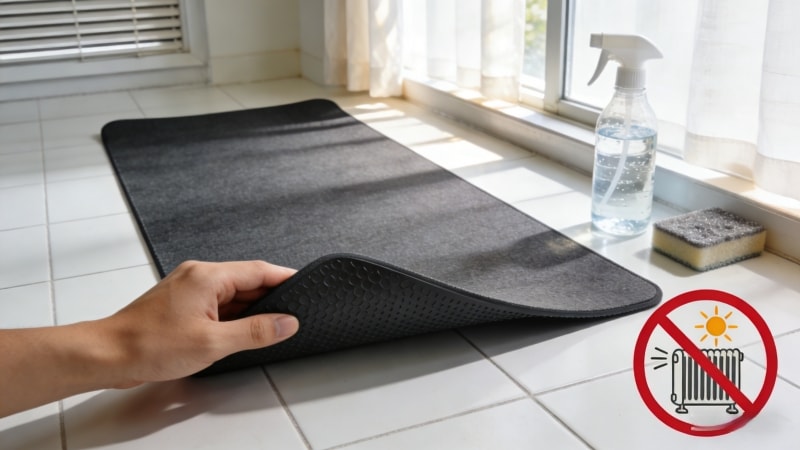
- Lay it flat to air dry. Do not hang it. Make sure the mousepad is completely dry before use to avoid excess moisture buildup.
Let the mousepad dry completely before using it.
③ How to Clean a Rubber Base Mousepad
Most cloth mousepads have a rubber bottom, which provides a non-slip surface and durability. When cleaning:
- Do not use hot water
- Do not twist or bend the pad
- Always dry it flat
- Handle the edge carefully to avoid damage
Avoid drying the mousepad in direct sunlight or near sources of heat, as this can cause warping, delamination, or damage to the rubber bottom and edges.
This helps prevent curling and keeps the rubber bottom grippy.
6. How to Clean Special Mousepads
① How to Clean a Boobs Mousepad
Boobs mousepads have high contact with the wrist and palm. Clean them gently:
- Use light pressure only
- Focus on the top surface
- Use the soft side of a sponge or a microfiber cloth to avoid damaging the surface
- Avoid soaking for too long
Printed surfaces can fade if scrubbed too hard.
② How to Clean Wrist-Rest Mousepads
If the wrist rest contains foam or gel:
- Clean the surface only
- Do not fully soak the pad
- Use a damp cloth with mild soap
If the wrist rest is made of plastic, use appropriate cleaning methods for plastic surfaces, such as gentle wiping to avoid damaging any printed designs.
Soaking can damage the inner material.
7. Can Cleaning Fix Smooth Spots on a Mousepad?
① When Cleaning Works
Cleaning helps if smooth spots are caused by:
- Oil buildup
- Dead skin residue
- Dirt and dust
Regular cleaning helps rid the mousepad of oil, dead skin, and dirt that accumulate on the surface.
After cleaning, the surface often feels slightly rough again.
② When Cleaning Does Not Work
Cleaning cannot fix:
- Flattened fabric fibers
- Worn-out cloth texture
- Old rubber bases
If the mousepad stays smooth after cleaning, it is likely worn out.
8. How Often Should You Clean Your Mousepad?
- Light users: once every 2–3 months
- Gamers or heavy users: once a month
- Hot or humid climates: more often
Regular cleaning keeps the surface consistent and hygienic.
9. When Should You Replace Your Mousepad?
You should replace your mousepad if you notice:
- Permanent smooth or shiny areas
- Unstable mouse tracking
- Curling or slipping rubber base
- Strong odor that does not go away
At this point, cleaning is no longer enough.
10. How to Prevent Dead Skin and Oil Build-Up
- Wash and dry your hands before long use
- Keep your desk clean
- Avoid eating at your desk
- Clean your mousepad regularly
Simple habits can extend the life of your mousepad.
11. Choosing a Mousepad That Stays Clean Longer
Not all mousepads are the same. Better mousepads usually have:
- Dense, high-quality cloth surfaces
- Strong natural rubber bases
- Better resistance to oil absorption
- Durability that includes ease of cleaning, but note that some mousepads are not suitable for cleaning in a washer, so always check manufacturer instructions to avoid damaging the stitching or material
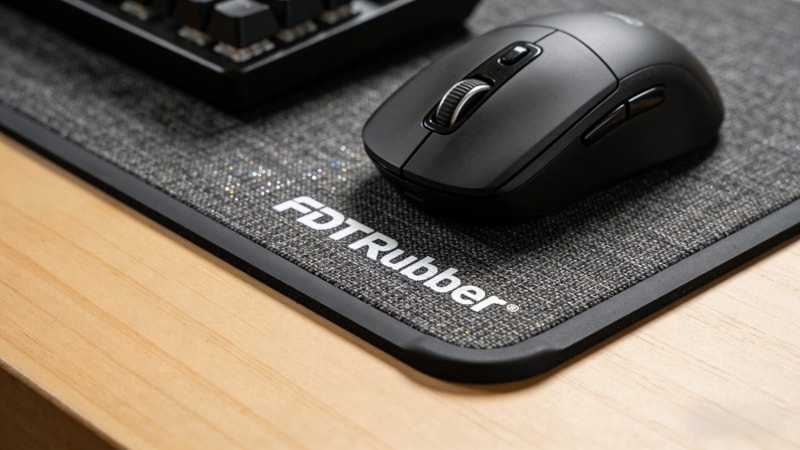
As a manufacturer of rubber-based mousepads, FDTRubber focuses on materials that maintain texture and grip for long-term use.
12. Conclusion – Clean, Restore, or Replace Your Mousepad
Cleaning your mousepad can remove dead skin, oil, and dirt. In many cases, it also helps restore surface feel. However, if smooth spots remain after proper cleaning, the mousepad is likely worn out and should be replaced.
This page serves as a helpful resource for mousepad care. For more tips or to share your experiences, consider joining our community of users who discuss mousepad maintenance and support each other.
If you are looking for durable mousepads made with quality cloth and natural rubber, visit www.fdtrubber.com.
👉 Contact us to learn more about our products, request samples, or discuss your requirements.