A Definitive Buyer’s Guide to Choosing the Right Mouse Pads
Many people ask the same question before buying one: do mousepads really make a difference?Some users place their mouse directly on the desk and feel it works fine. Others say a mouse pad is necessary for comfort and accuracy. The truth is, choosing the right mouse pad can make a big difference in both comfort and performance, especially for gaming or long hours at the office.
In this guide, we will clearly answer whether a mouse pad is worth using, explain when it is necessary, and help you choose the best mouse pad for your needs. This article is written by the team at FDTRubber, a manufacturer specializing in rubber mouse pads and desk mats for global customers.
I. Do Mousepads Make a Difference?
Yes, mousepads do make a real difference.
A good mouse pad improves how your mouse moves and feels during use. The main benefits include:
- Better tracking: Mouse sensors work more accurately on a consistent surface
- Smoother movement: Cursor movement becomes more stable and predictable
- Improved comfort: Less strain on the wrist during long hours
- Desk protection: Prevents scratches and wear on the desk surface
Features like smooth glide, resistance, and stopping power can have a significant impact on mouse performance and user experience. A mouse pad with the right balance of resistance and smooth glide allows for precise control and effortless movement, while stopping power helps prevent overshooting during fast or accurate tasks.
Without a mouse pad, mouse movement can feel uneven, especially on glass, wood, or shiny desks.
II. Is a Mousepad Necessary?
A mouse pad is not always required, but in many cases, it is strongly recommended.
1. Mouse pads are recommended for:
- Office and home office work
- Gaming (especially low DPI gaming and for competitive gamers)
- Design, editing, and creative work
- Long hours of computer use
2. Mouse pads may be optional for:
- Short, casual laptop use
- Temporary work setups
- Travel situations
- For a casual user, a mouse pad may not be necessary
If you use a mouse every day, a mouse pad improves both comfort and performance.
III. Mouse Pad vs Desk Surface
Using a mouse directly on a desk often causes problems:
- Inconsistent tracking on wood grain or glossy surfaces
- Poor sensor performance on glass desks
- More noise when moving the mouse
- Faster desk wear over time
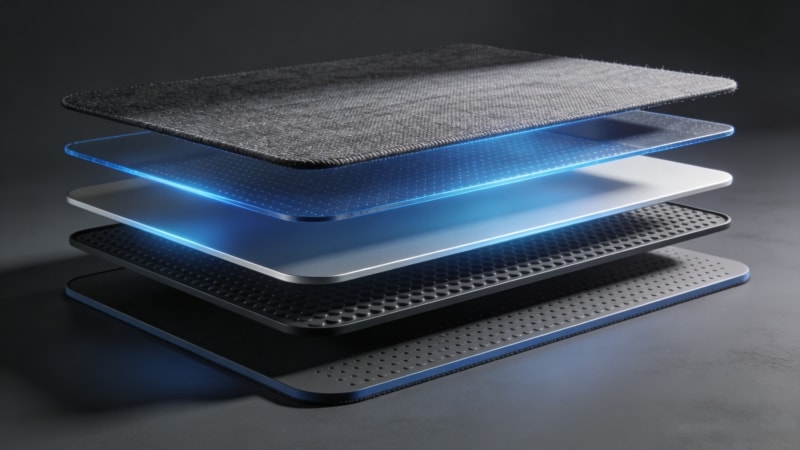
A mouse pad provides a stable surface with a non-slip rubber base, keeping the mouse steady and improving control. It also prevents the pad from sliding on the table, ensuring consistent performance during use.
IV. What Is the Best Mouse Pad?
There is no single best mouse pad for everyone.
The best mouse pad depends on:
- How you use your computer
- Your desk size
- Your mouse sensitivity (DPI)
- Whether comfort or speed is more important
Other important considerations include personal preference, the texture of the surface, available size options, price, brand reputation, and overall quality. These factors can greatly influence your experience and help you select the mouse pad that best fits your needs.
Instead of looking for one “best” product, it is better to choose the right mouse pad based on your use case.
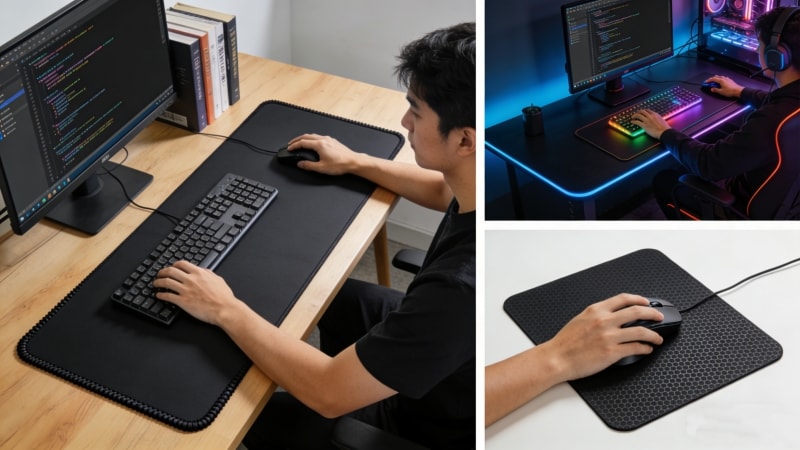
V. Best Mouse Pad by Use Case
1. Best Mouse Pad for Office & Daily Work
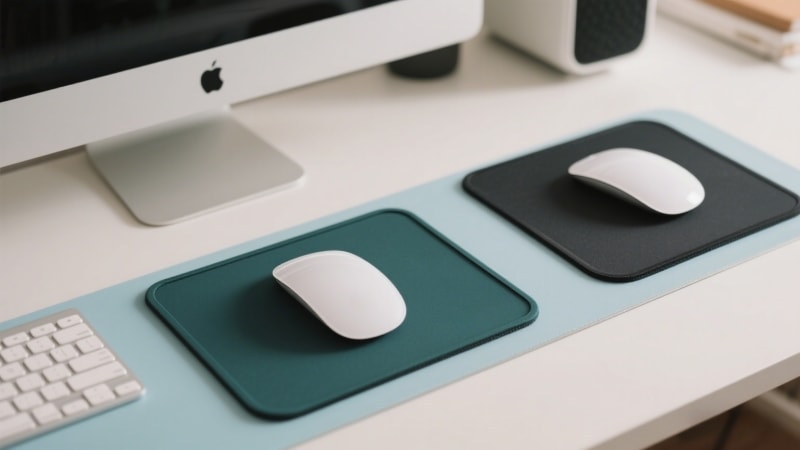
- Medium size
- Smooth, balanced surface
- Comfortable for long hours
- Easy to fit on most desks
Features like wrist support, wrist rests, or added cushion can further improve comfort for office and daily work users.
This type is ideal for emails, documents, and general computer tasks.
2. Best Mouse Pad for Gaming
- Large or extended size
- Speed or control surface depending on play style
- Strong anti-slip natural rubber base
Gamers often prefer larger pads for wide mouse movements and better control.
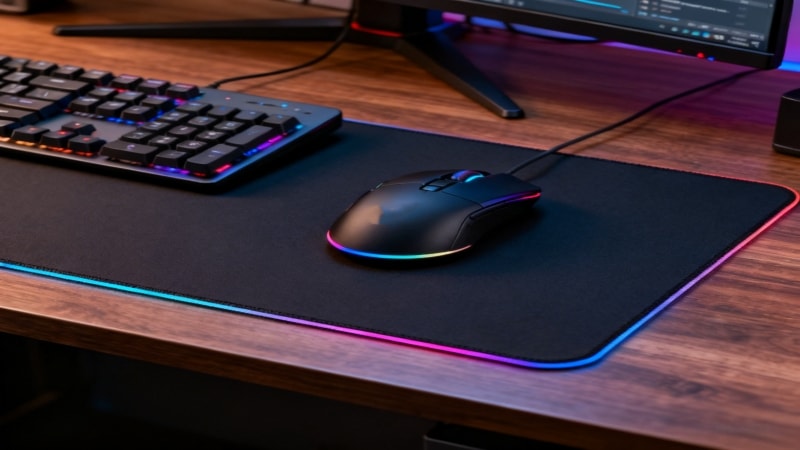
There is a wide variety of gaming mouse pads available, including cloth pads, hard mouse pads, glass pads, and hybrid options. Popular examples like the SteelSeries QcK (a classic cloth mouse pad) and the Razer Atlas (a premium glass pad) highlight the range of choices. Features such as RGB lighting—sometimes on one side—edge stitching for durability, and logo placement or printed designs are common. Surface texture is crucial: a smooth surface or silky smooth finish allows for effortless slide and fast movements, while a soft or textured pad can provide more friction and stopping power for precise control, especially in different types of games. Thickness also matters; thin pads may offer a sleeker profile but can affect comfort and flatness.
Materials like cloth, aluminum, plastic, and other hard surfaces each offer unique benefits. Hard mouse pads and glass pads typically provide a faster, more consistent glide, while cloth pads are known for comfort and control. The edge quality, including edge stitching, helps prevent fraying, and the position of the logo or printed elements can affect both aesthetics and usability. When choosing a mouse pad, consider compatibility with both optical and laser mice, as surface type can impact tracking accuracy. It’s important to test how a pad performs with your setup, taking into account desk space, the overall look of your setup, and personal preference. Compared to many other pads on the market, features like edge design, specific points of surface texture, and movement along the y axis can all influence gaming performance and user experience.
3. Best Mouse Pad for Design & Creative Work
Designers need accuracy and smooth tracking for detailed movements. Precise control is essential for tasks like cropping exactly to the corner of an image or selecting a specific point within a design.
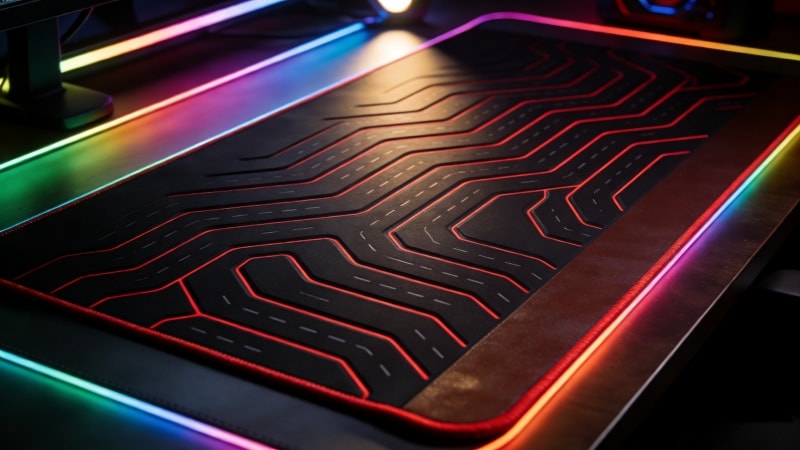
VI. Best Mouse Mat vs Best Mouse Pad
Many people wonder if a mouse mat is different from a mouse pad.
In reality:
- Mouse pad is commonly used in the US
- Mouse mat is more common in the UK and Europe
They refer to the same product. The name does not matter—size, surface, and base material matter more.
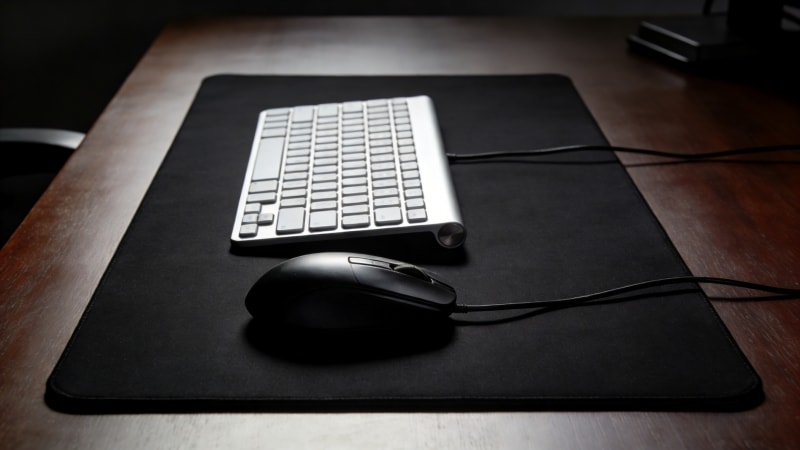
VII. Mouse and Keyboard Pad Explained
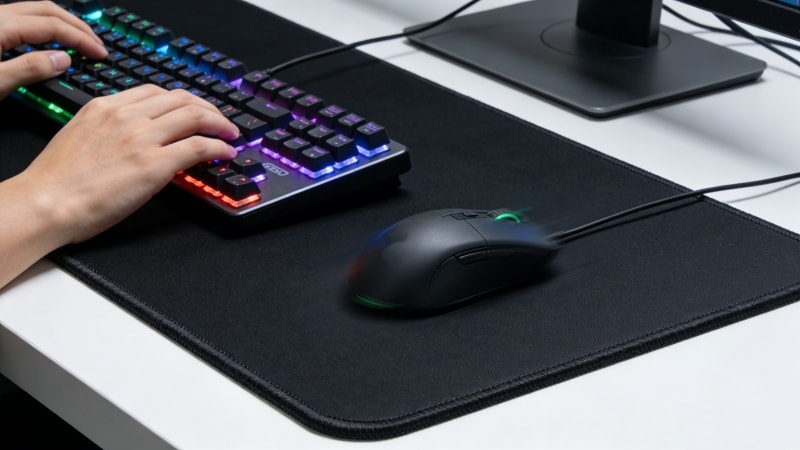
A mouse and keyboard pad is also called a desk mat or extended mouse pad.
It covers both the mouse and keyboard area, and helps protect the desk surface from scratches and spills.
Benefits include:
- More space for movement
- Better desk protection
- Cleaner and more organized desk
- Improved comfort during long sessions
Desk mats are popular for gaming setups, offices, and branded workspaces.
VIII. How to Choose the Right Mouse Pad
Before choosing a mouse pad, consider:
- Desk size: Small desks need compact pads
- Mouse DPI: Low DPI users need larger pads
- Usage type: Work, gaming, or design
- Comfort needs: Long working hours need softer surfaces
- Personal or business use: Branding or promotional needs
Choosing based on real usage will give better results than following trends.
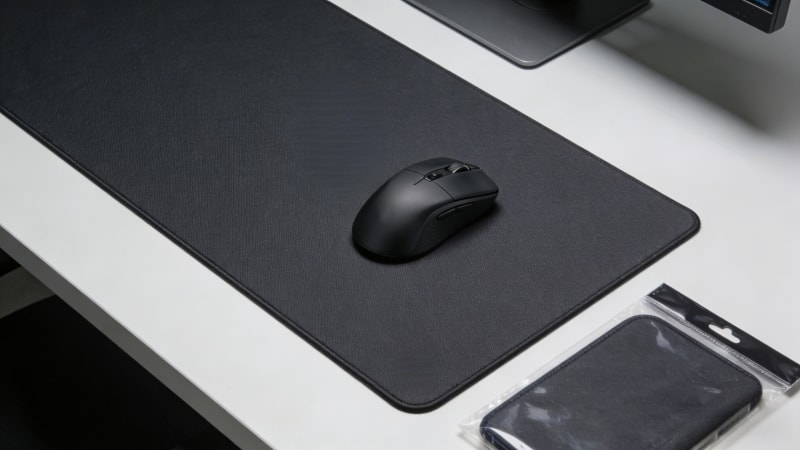
When you shop for a mouse pad, make sure to check the box or packaging for protective features to ensure your product arrives safely and can be stored properly.
IX. Conclusion
So, do mousepads make a difference?
Yes—they improve accuracy, comfort, and desk protection.
A mouse pad is not just an accessory. It is a simple tool that makes daily computer use smoother and more comfortable. The best mouse pad depends on how you work, play, or create.
Explore More & Get in Touch
If you are looking for standard or custom mouse pads, desk mats, or rubber-based solutions, you can explore more options at www.fdtrubber.com.