
Many people still ask the same question: is a mousepad really necessary?
With modern mice and smooth desks, some users think mousepads are optional. Others use them every day at work, school, or home.
This guide explains what mouse pads do, when they matter, and when you may not need one, so you can make a clear decision.
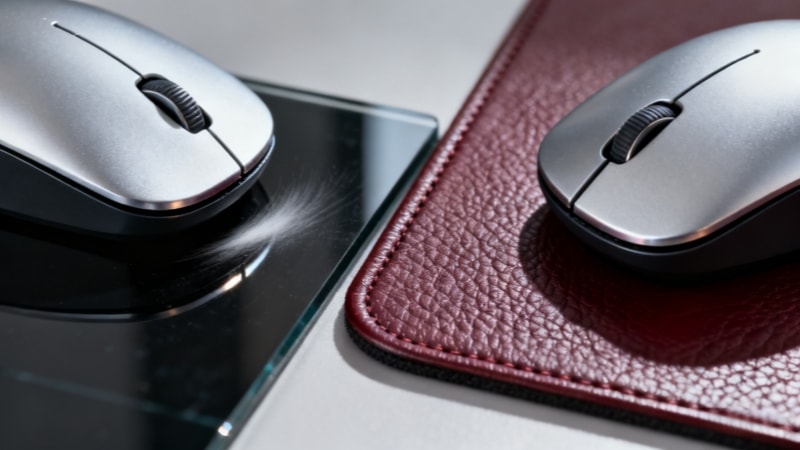
I. What Do Mouse Pads Do?
A mouse pad creates a stable and consistent surface for your mouse. This helps the mouse sensor track movement more accurately.
Mouse pads are often made from materials like cloth, which provide a smooth surface for better mouse control.
Mouse pads also:
- Improve cursor control
- Reduce skipping or shaking
- Protect the desk surface
- Reduce wear on mouse feet
- Increase comfort during long use
- Offer a smooth surface and the right level of friction to help with precise movements
A stable base prevents slipping and enhances stability during use.
Even though a mouse can work without a pad, these small improvements add up over time.
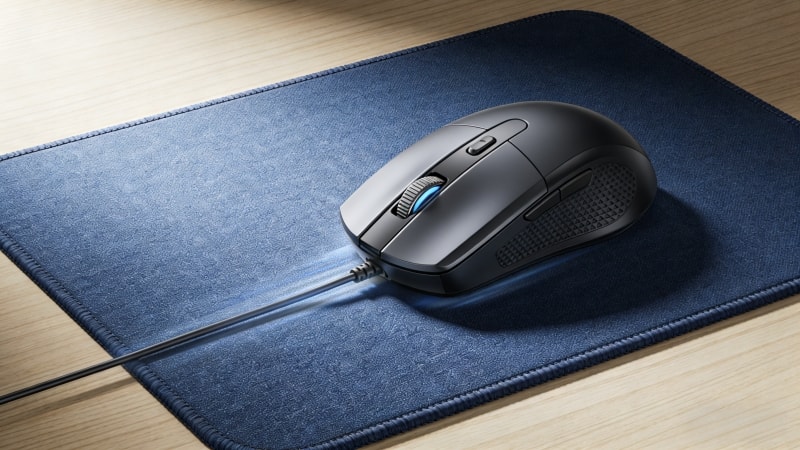
II. Are Mousepads Necessary? (Short Answer)
No, a mousepad is not always required.
But in many situations, it makes computer use easier, more comfortable, and more precise.
Whether you need one depends on:
- Your desk surface
- How long you use the mouse each day
- What tasks you do on the computer
III. Is a Mousepad Necessary for Office Work and Excel?
For office work, especially Excel and spreadsheet tasks, mouse control matters more than many people realize.
Without a mouse pad, users may experience:
- Small cursor jumps
- Difficulty selecting cells
- More hand and wrist movement
- Faster fatigue
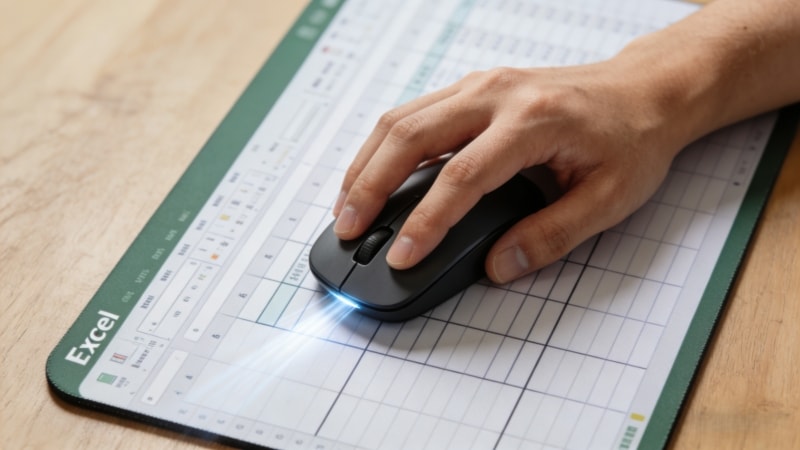
An Excel mouse mat helps by:
- Making small movements smoother
- Improving accuracy when clicking cells
- Reducing hand strain during long work hours
Using a mouse pad is especially convenient for those working with a laptop, as it enhances control and comfort.
If you work with Excel daily, a mouse pad is highly recommended. It also provides a comfortable resting place for your wrist during long Excel sessions.
IV. Does Desk Surface Affect the Need for a Mouse Pad?
Yes. The desk surface makes a big difference.
A mouse pad provides a flat surface for optimal mouse control, ensuring smooth and precise cursor movement.
Using a mouse pad on a hard desk can improve comfort and protect both your mouse and the desk from wear.
Choosing the right mouse pad can also enhance your overall workspace ergonomics.
1. Glass Desks
- Mouse sensors often struggle on a glass desk
- Cursor movement may be unstable
- A mouse pad is strongly recommended
2. Wooden or Coated Desks
- A wooden desk, especially those with a smooth finish like many Ikea models, is usually usable without a pad.
- Performance depends on surface finish
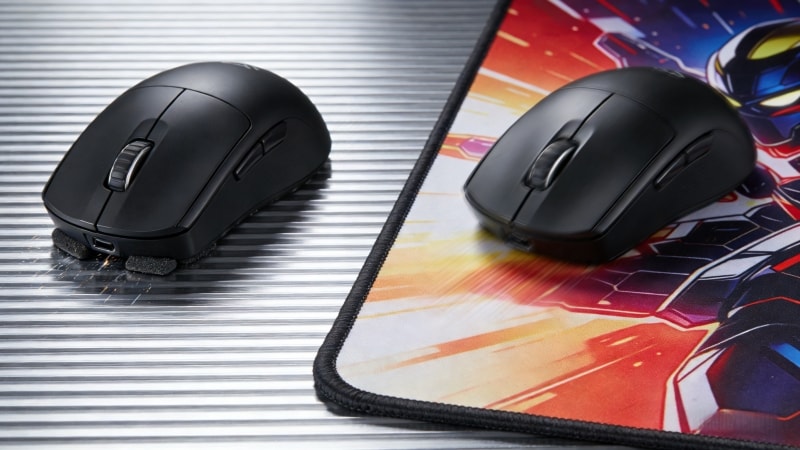
3. Metal or Glossy Surfaces
- Can cause tracking issues
- Mouse pads improve consistency
4. Textured or Fabric Desks
- Some work well
- Others cause uneven movement
If your mouse movement feels inconsistent, a mouse pad will likely help.
V. Mouse Pad vs Mouse Mat – Is There a Difference?
There is no functional difference.
- Mouse pad is commonly used in the US
- Mouse mat is often used in the UK
Both terms describe the same product.
VI. When You May Not Need a Mouse Pad
You may not need a mouse pad if:
- You use the computer for short periods
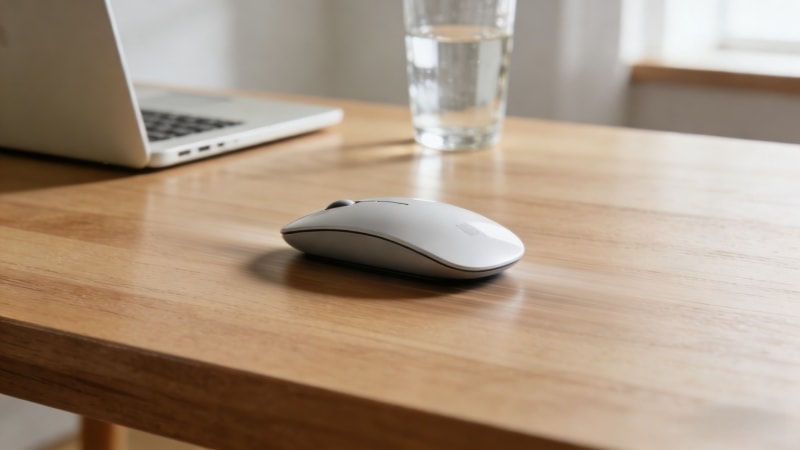
- Your desk surface works well with your mouse
- You use a high-quality mouse sensor
- Comfort is not a concern
For light and casual use, a mousepad is optional.
VII. When a Mouse Pad Makes a Real Difference
A mouse pad becomes important when:
- You work long hours on a computer
- You use Excel, design, or editing software
- You play games that need precision
A high-quality mouse pad can be a game changer for competitive gaming, providing the precision and stability needed to excel.
- You care about wrist and arm comfort
In these cases, a mouse pad improves both performance and comfort. Some mouse pads are designed to keep your hands cool and comfortable during extended use.
VIII. Choosing the Right Mouse Pad for Your Needs
Not all mouse pads are the same. Different mouse pads offer various features such as wrist rests, RGB lighting, and anti-slip bases. Choosing the right one matters.
The most suitable mouse pad depends on your desk space, intended usage (such as gaming or office work), and personal preferences.
Mouse pads come in different styles to match your workspace aesthetic.
Price is an important factor to consider when choosing a mouse pad, as options range from budget to premium.
Some mouse pads are designed to work with other accessories, such as keyboard trays or cable organizers, to enhance your workspace.
1. Size
- Small pads: basic use
- Large pads or desk mats: more movement space. Larger mouse pads provide more room for wide mouse movements, which is especially useful for gaming or design work.
2. Thickness
- Thin pads: firm feel
- Thicker pads: more cushioning and comfort
3. Material
- Fabric surface: smooth and controlled. Mouse pads can also be made from plastic, which offers a different feel and durability.
- Rubber base: stable and non-slip. Some mouse pads include a wrist rest for added ergonomic support.
4. Mouse Pad vs Desk Mat
- Mouse pads: focused mouse area
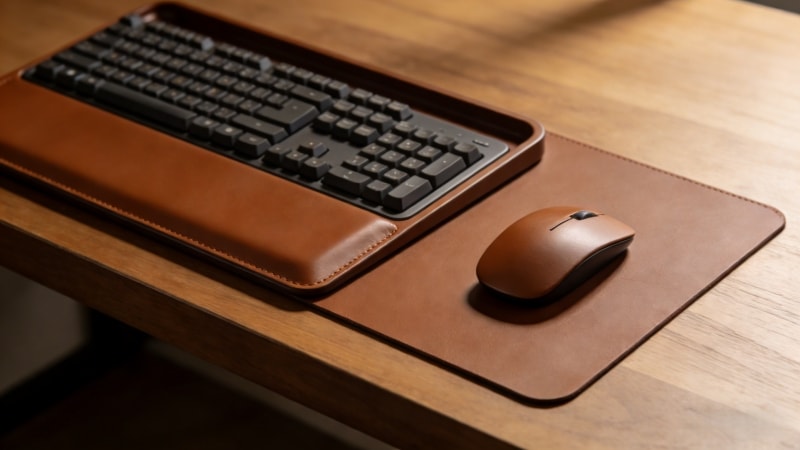
- Desk mats: cover a larger area of the desktop, providing space for both keyboard and mouse, and help organize your desktop workspace
Manufacturers like FDTRubber offer mouse pads and desk mats in different sizes, thicknesses, and materials to fit office, gaming, and professional needs.
IX. Final Verdict: Is a Mousepad Necessary?
A mousepad is not mandatory, but it is often very useful.
You likely need a mouse pad if:
- You work long hours
- You use Excel or precision tools
- Your desk surface causes tracking problems
You may not need one if:
- You use the computer briefly
- Your desk and mouse work well together
The right choice depends on how you work, not just what you use.
X. Conclusion
Mousepads are simple products, but they can greatly improve comfort, control, and efficiency in the right situations. While not everyone needs one, many users benefit from using a mouse pad designed for their daily tasks.
Mouse pads are compatible with both optical mice and laser mice, ensuring smooth operation and precise tracking for all types of sensors. Using a mouse pad also helps prevent dirt and dust buildup, keeping your mouse and workspace clean.
👉 To learn more about mouse pad materials, sizes, and manufacturing options, visit www.fdtrubber.com or contact us for more product information and support.