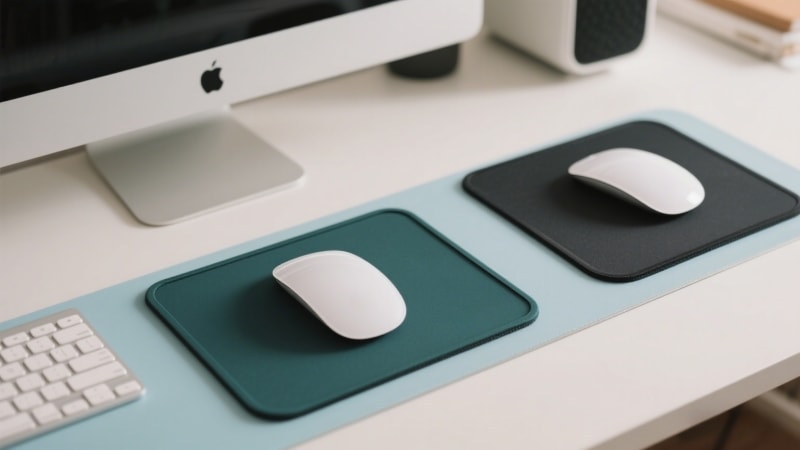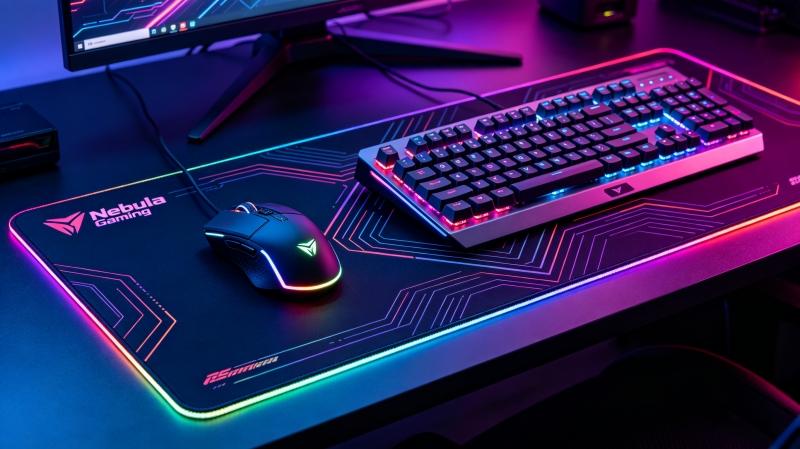
A clean mouse pad helps your mouse move smoothly and last longer. Over time, dust, oil, and sweat can build up on the surface and affect performance.
With just a bit of regular care, you can prevent small particles and debris from accumulating on your mouse pad, which helps maintain its texture and ensures optimal mouse performance.
In this guide, you’ll learn how to clean a mouse pad safely, step by step, using simple tools at home.
I. Can You Wash a Mouse Pad?
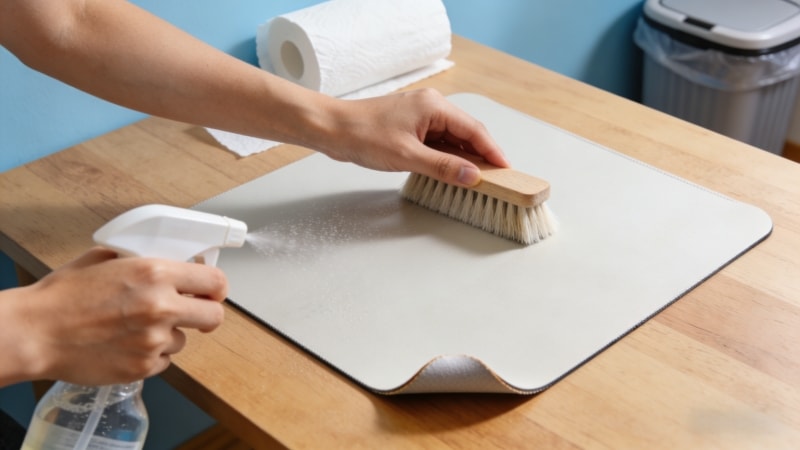
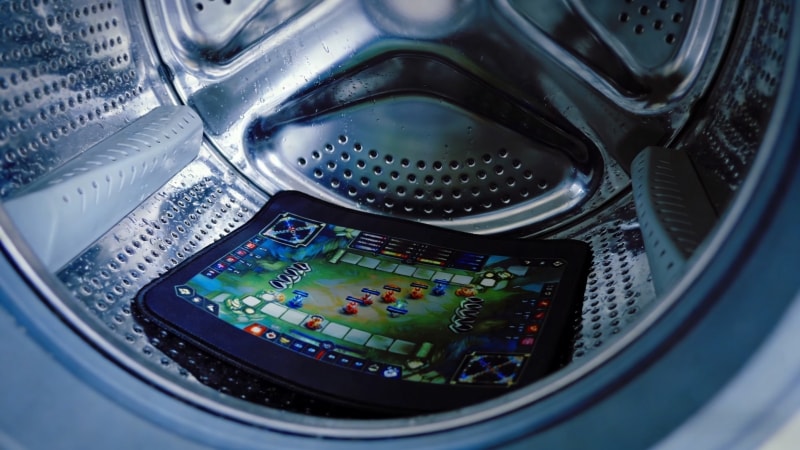
Yes, most mouse pads can be washed, especially cloth mouse pads with a rubber base. However, hand washing is the safest method.
Machine washing may damage:
- The fabric surface
- Printed designs
- The rubber base
Additionally, soaking your mouse pad should be avoided, as it can damage the adhesive layer and stitched edges, leading to separation or fraying.
If you want your mouse pad to keep its shape and performance, hand cleaning is the best choice.
II. What You Need to Clean a Mouse Pad
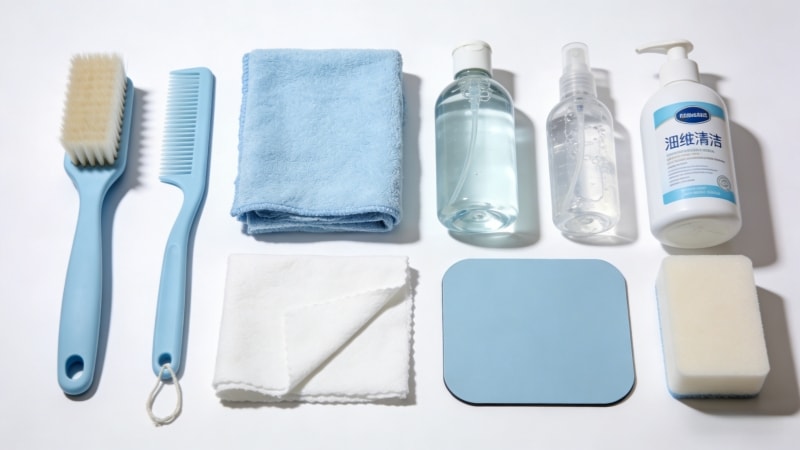
You don’t need special tools. Just prepare:
- Soft brush
- Soft cloth
- Microfiber cloth
- Damp cloth
- Mild detergent
- Mild dish soap
- Dish soap
- Hand soap
- Warm (not hot) water
- A soft sponge
Avoid strong chemicals or rough brushes.
Note: A soft brush or microfiber cloth is ideal for cleaning. Any cloth used should be damp, not dripping, to avoid damaging the mouse pad.
III. How to Clean a Mouse Pad by Hand
This is the most recommended and safest method for cleaning a mouse pad. For certain types, such as glass mousepads, the manufacturer may recommend using plain water for cleaning to avoid damage.
When cleaning, always be gentle with the mousepad surface to prevent wear or scratches. Avoid exposing your mousepad to excess moisture, as this can cause damage or staining—make sure to dry it thoroughly after cleaning.
Step-by-Step Instructions
Step 1: Remove dust
Shake the mouse pad gently to remove loose dust and crumbs.
Step 2: Rinse with water
Place the mouse pad under lukewarm water. Warm water helps loosen dirt and debris from the surface. Do not use hot water, as it can cause the surface or adhesive to break down.
Step 3: Apply mild soap
Add a small amount of mild soap to the surface.
Step 4: Gently scrub
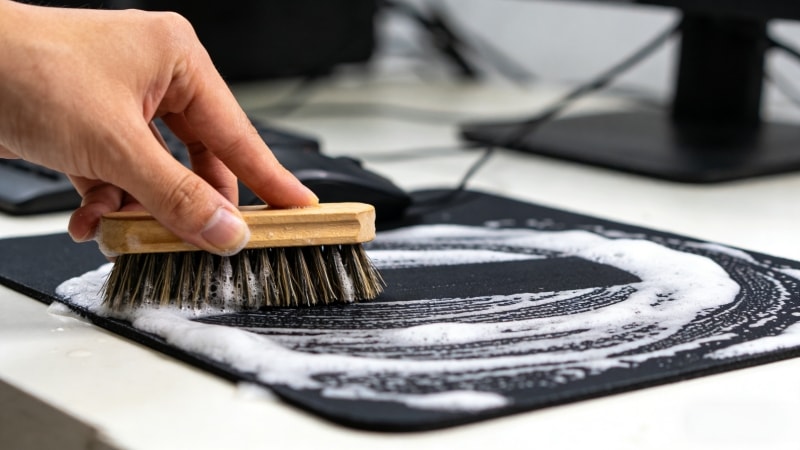
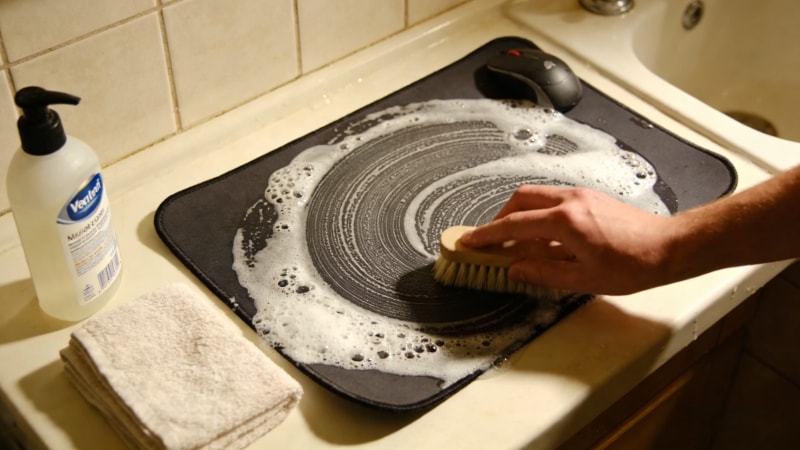
Use a soft sponge or cloth to gently rub the surface in small circles. This helps clean without damaging the fibers. Do not rub too hard, as excessive pressure can cause the surface to break or deteriorate.
Step 5: Rinse thoroughly
Rinse with clean water until all soap is gone. Soap residue can affect mouse movement.
Step 6: Remove excess water
Press the mouse pad gently to remove water. You can use a towel or paper towel to absorb moisture. Do not twist or wring it. Afterward, wipe the surface with a clean, dry cloth or dry cloth to ensure it is fully dry.
Step 7: Air-dry flat
Lay the mouse pad flat on a clean surface and let it dry naturally.
This method works well for gaming mouse pads, custom mouse pads, and rubber-based mouse pads.
IV. Can You Put a Mouse Pad in the Washing Machine?
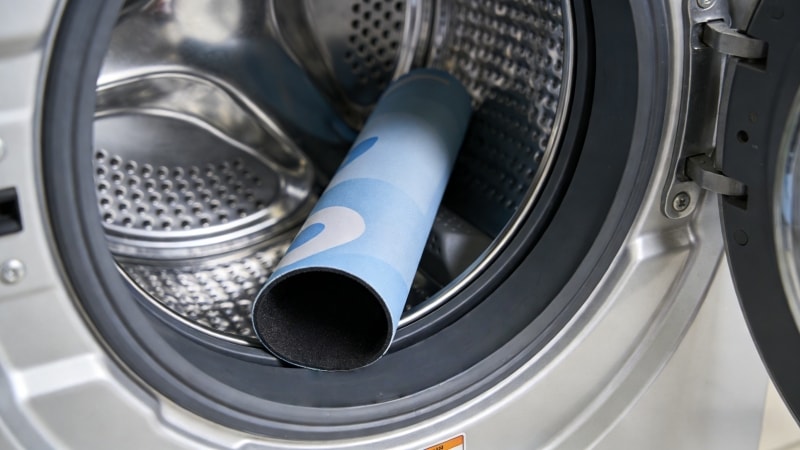
In general, machine washing is not recommended.
If you must use a washing machine:
- Use cold water only
- Choose a gentle cycle
- Do not use spin mode
- Never use a dryer
Stick to mild cleaning solutions like water or gentle wipes, and avoid harsh chemicals such as alcohol to prevent damage to the mousepad’s surface or adhesive layers.
Even with care, machine washing may shorten the life of the mouse pad.
V. How to Dry a Mouse Pad Properly
Drying is just as important as cleaning.
- Always air dry
- Lay the mouse pad flat
- Keep it away from:
- Direct sunlight
- Heaters
- Hair dryers
- Tumble dryers
Heat can damage the rubber base and cause warping.
VI. How Often Should You Clean a Mouse Pad?
How often you clean depends on how you use it:
- Light office use: every 1–2 months
- Gaming or heavy use: every 2–4 weeks
- Visible stains or oily surface: clean immediately, especially if you notice stubborn stains, to prevent them from setting.
Regular cleaning helps keep mouse tracking smooth and accurate.
VII. Common Mistakes to Avoid
When cleaning a mouse pad, avoid these mistakes:
- Using hot water
- Using bleach or strong cleaners
- Scrubbing the rubber base
- Putting the mouse pad in a dryer
- Folding or hanging it while wet
These actions can damage the surface or base.
VIII. Does Cleaning a Mouse Pad Affect Performance?
Yes—in a good way.
A clean mouse pad:
- Improves mouse tracking
- Reduces friction
- Removes oil and dirt buildup
- Helps the mouse pad last longer
Regular cleaning keeps your mouse pad feeling like new.
IX. FAQ
1. Can you clean a mouse pad with soap?
Yes. Mild soap is safe for most cloth and rubber mouse pads.
2. Can alcohol damage a mouse pad?
Yes. Alcohol may damage fabric surfaces and printed designs.
3. Is this method safe for gaming mouse pads?
Yes. Hand washing is safe for most gaming mouse pads.
4. How do you clean an RGB mousepad?
To clean an RGB mousepad, avoid soaking or submerging it in water. Use a damp cloth to gently wipe the surface, taking care not to let moisture get into the electronic components or lighting. This helps prevent water damage and keeps your RGB mousepad functioning properly.
X. Conclusion
Cleaning a mouse pad is simple and only takes a few minutes. By using mild soap, warm water, and air drying, you can keep your mouse pad clean, smooth, and long-lasting.
If you are looking for high-quality rubber mouse pads, blank mouse pads, or custom OEM solutions, visit www.fdtrubber.com to learn more about our products and manufacturing services.
👉 Feel free to contact us for samples, customization, or wholesale inquiries.